# Workshop Execution Steps
## Set up AWS Accounts
1 If you are running the workshop **on your own** and you don’t already have an AWS account with Administrator access, please create one now by clicking here (https://aws.amazon.com/getting-started/).
2 If you are running the workshop **at an AWS Event or with AWS teams**, Login to AWS Workshop Portal by clicking the button or browsing to https://dashboard.eventengine.run/
The following screen shows up.
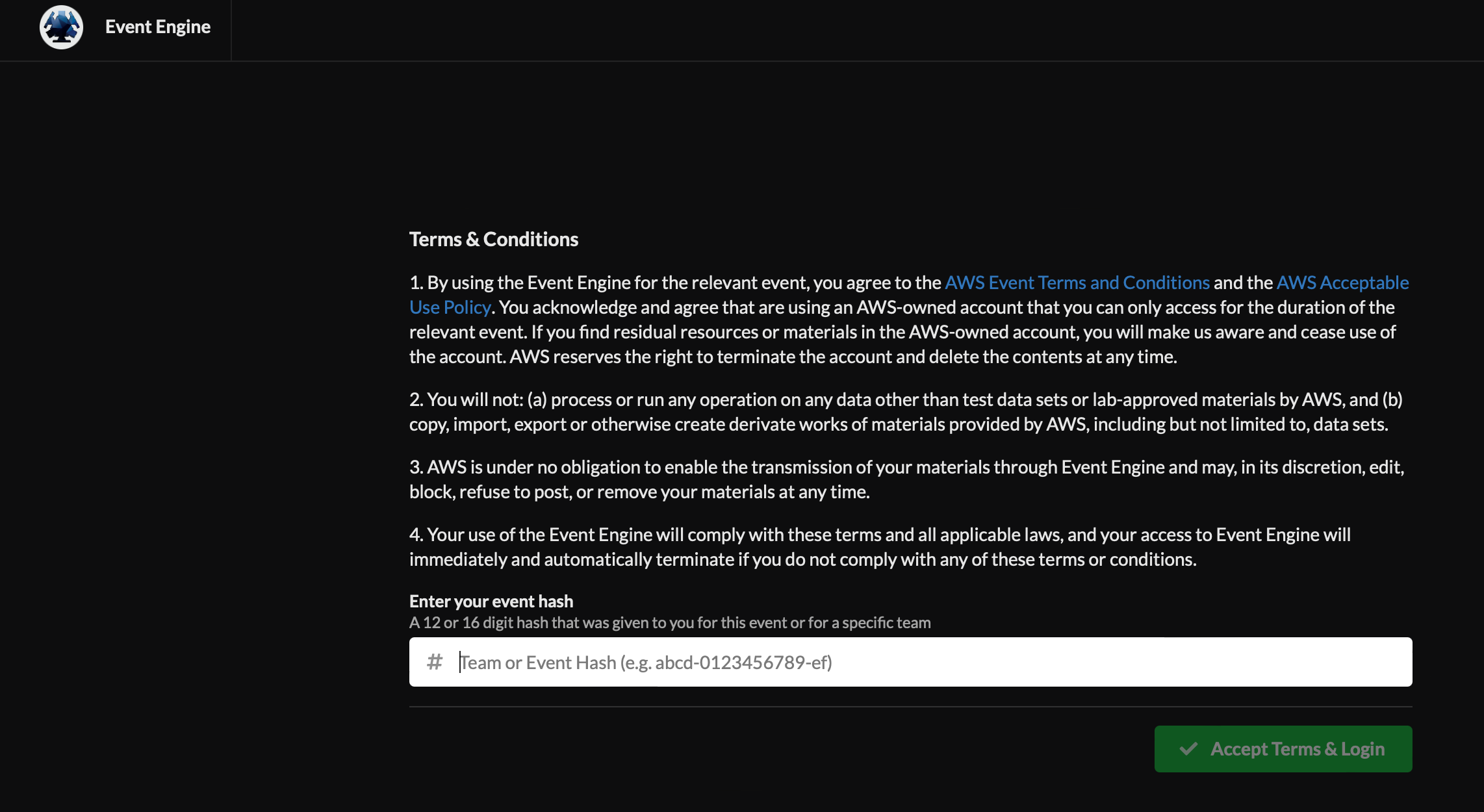
3 Enter the provided hash (will be provided in the chat by the event administrator) in the text box. The button on the bottom right corner activates to Accept Terms & Login. Click on that button to continue the next screen below.
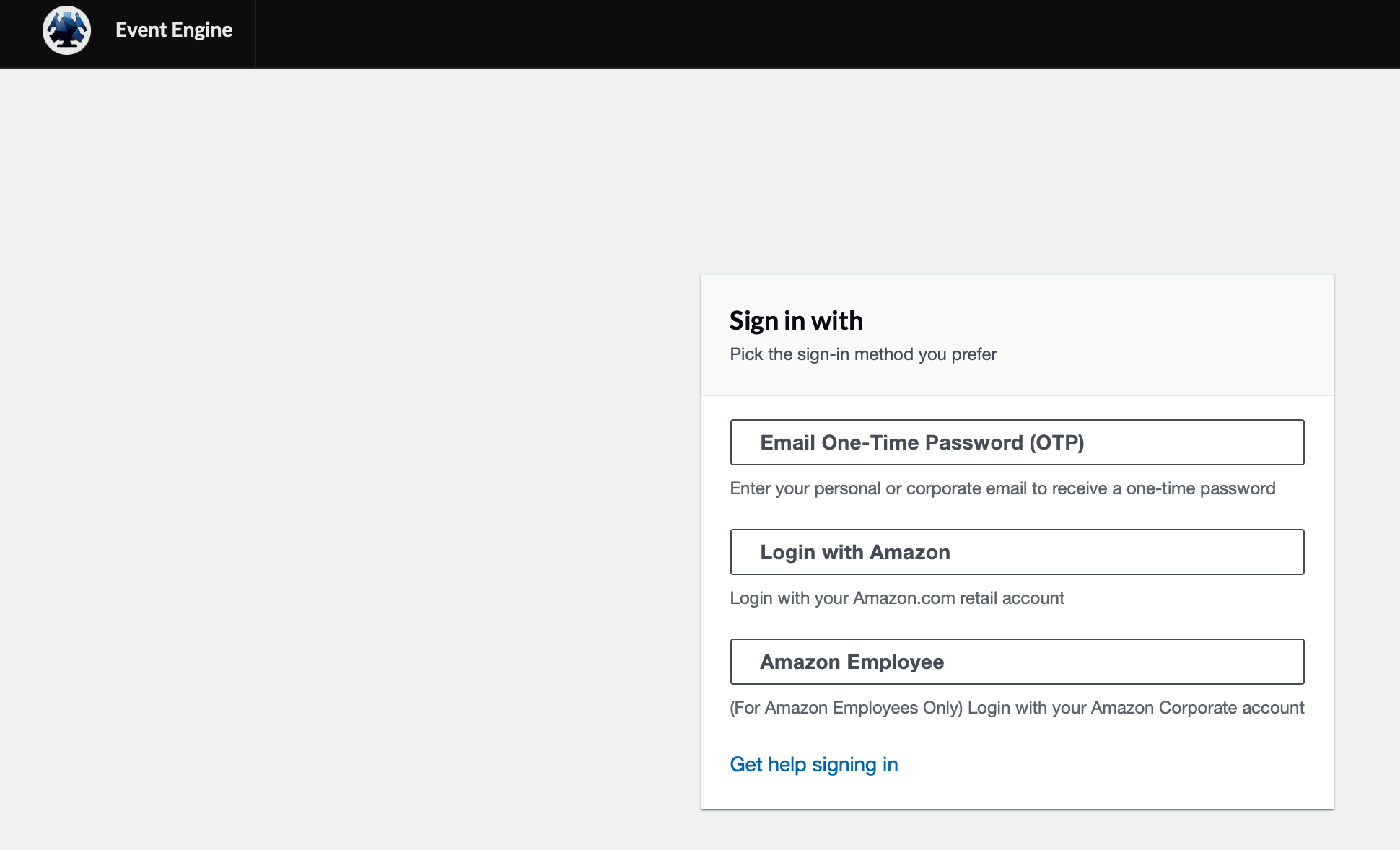
4 Click on "Email One-Time Password(OTP)" and enter your email and click on "Send passcode" as below.
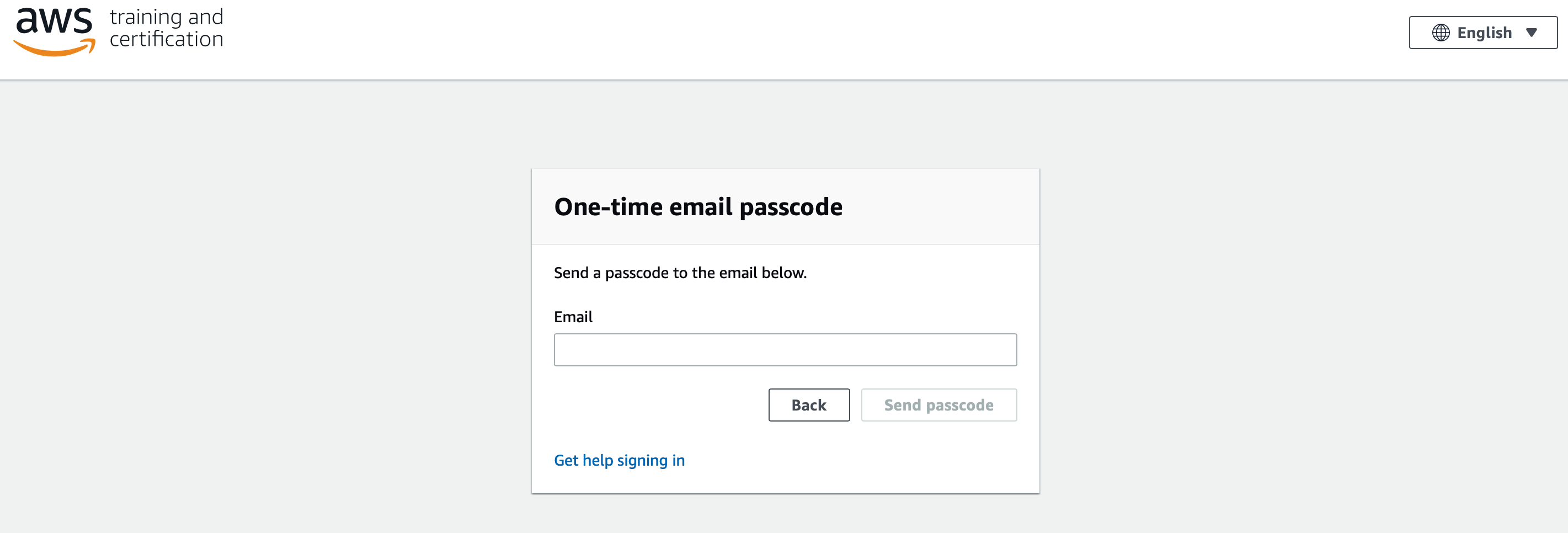
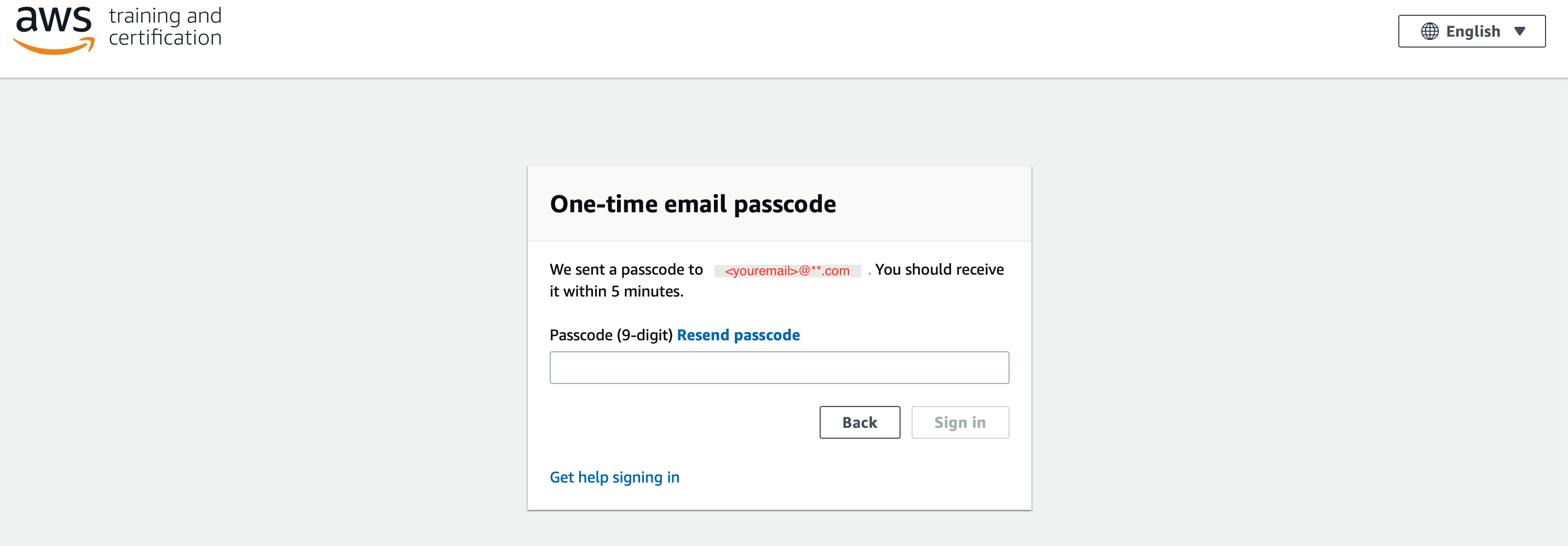
5 Enter the 9 digit passcode that you recieve in your email and click "Sign in"
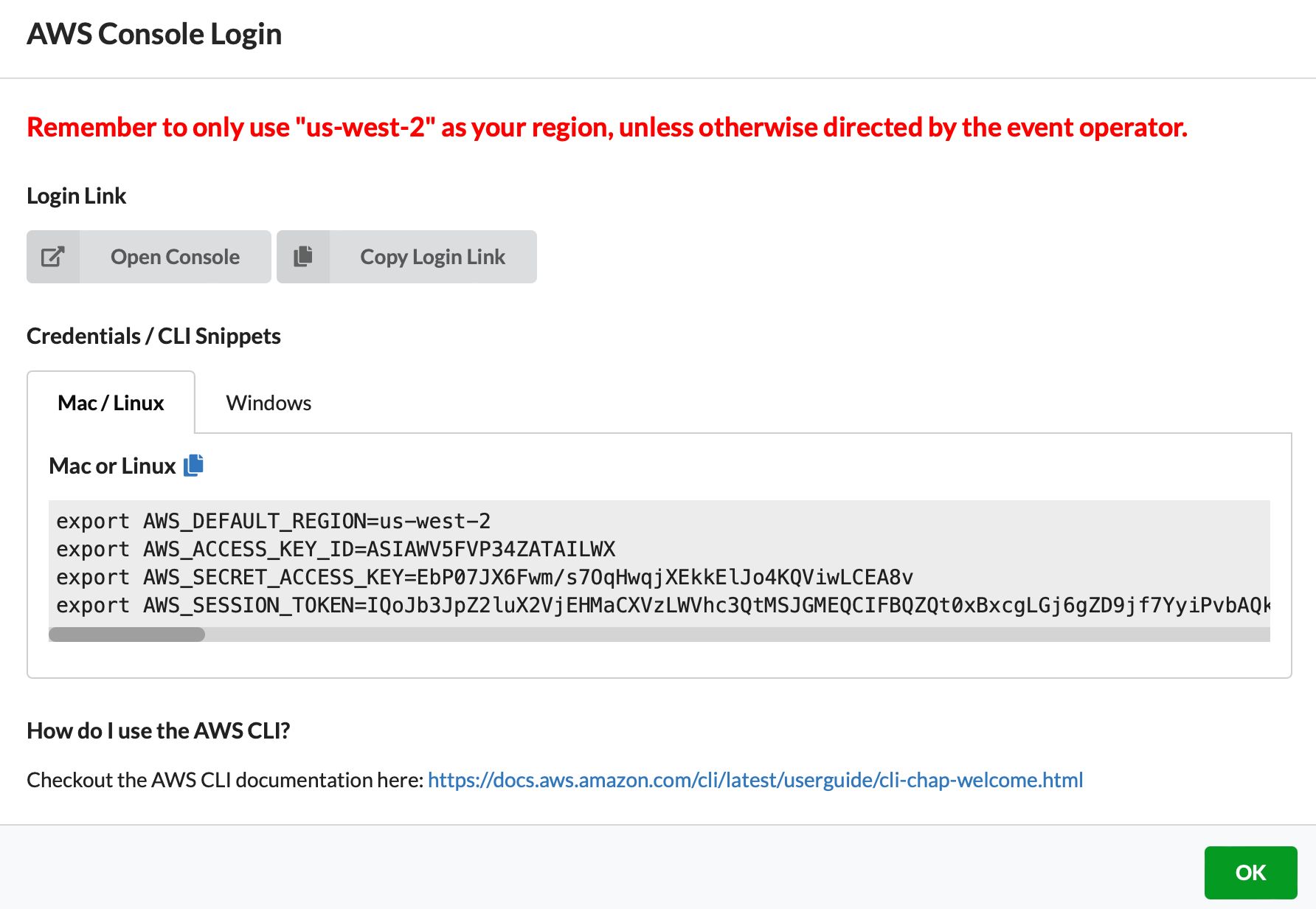
6 Click on "AWS Console" button
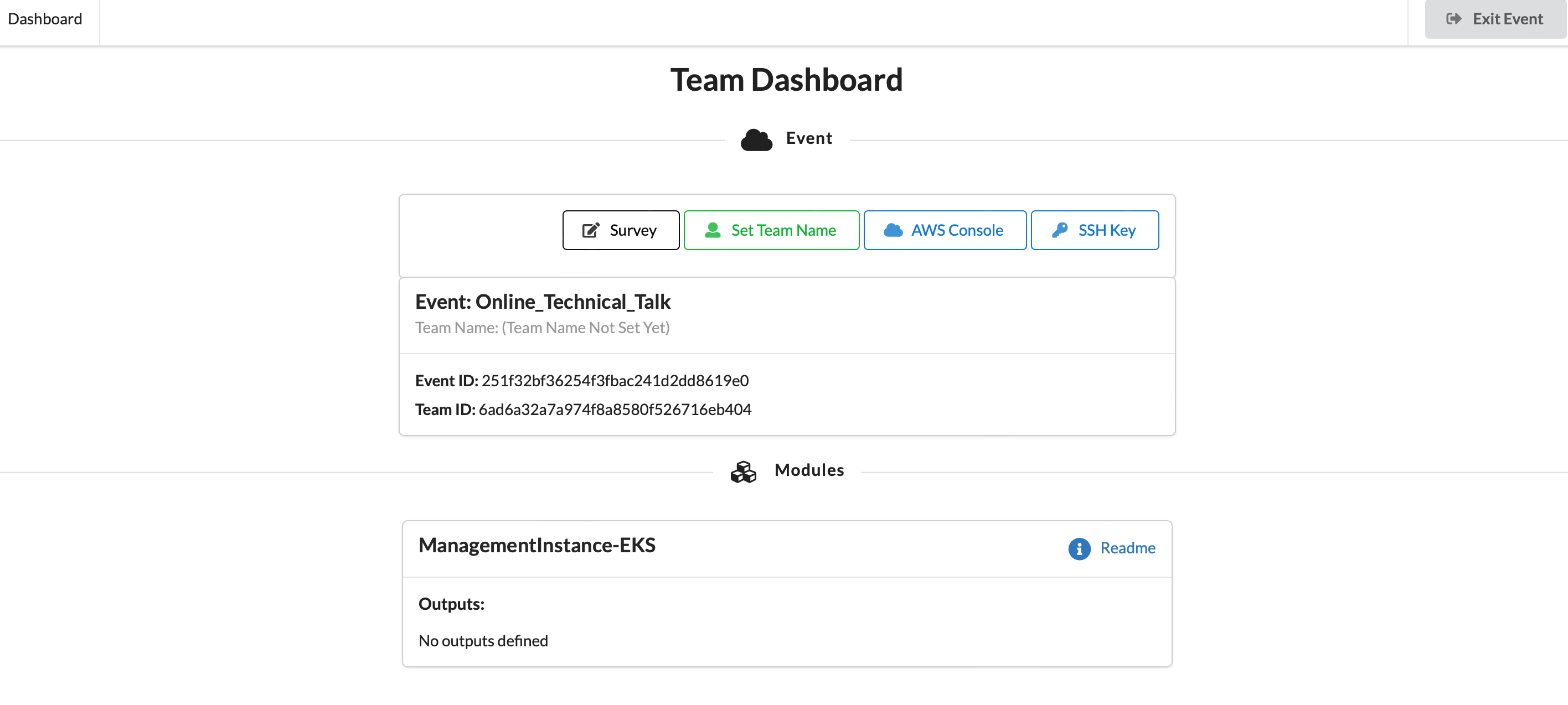
7 Take the defaults and click on "Open Console". This will open AWS Console in a new browser tab.